Practical, room-by-room instructions from Greenaecleanio to help you configure a workspace that supports long hours of focused work without strain.
When seated, your elbows should rest at roughly ninety degrees with forearms parallel to the floor. Greenaecleanio recommends measuring from your elbow to the floor while sitting upright, then subtracting one to two centimetres for keyboard clearance.
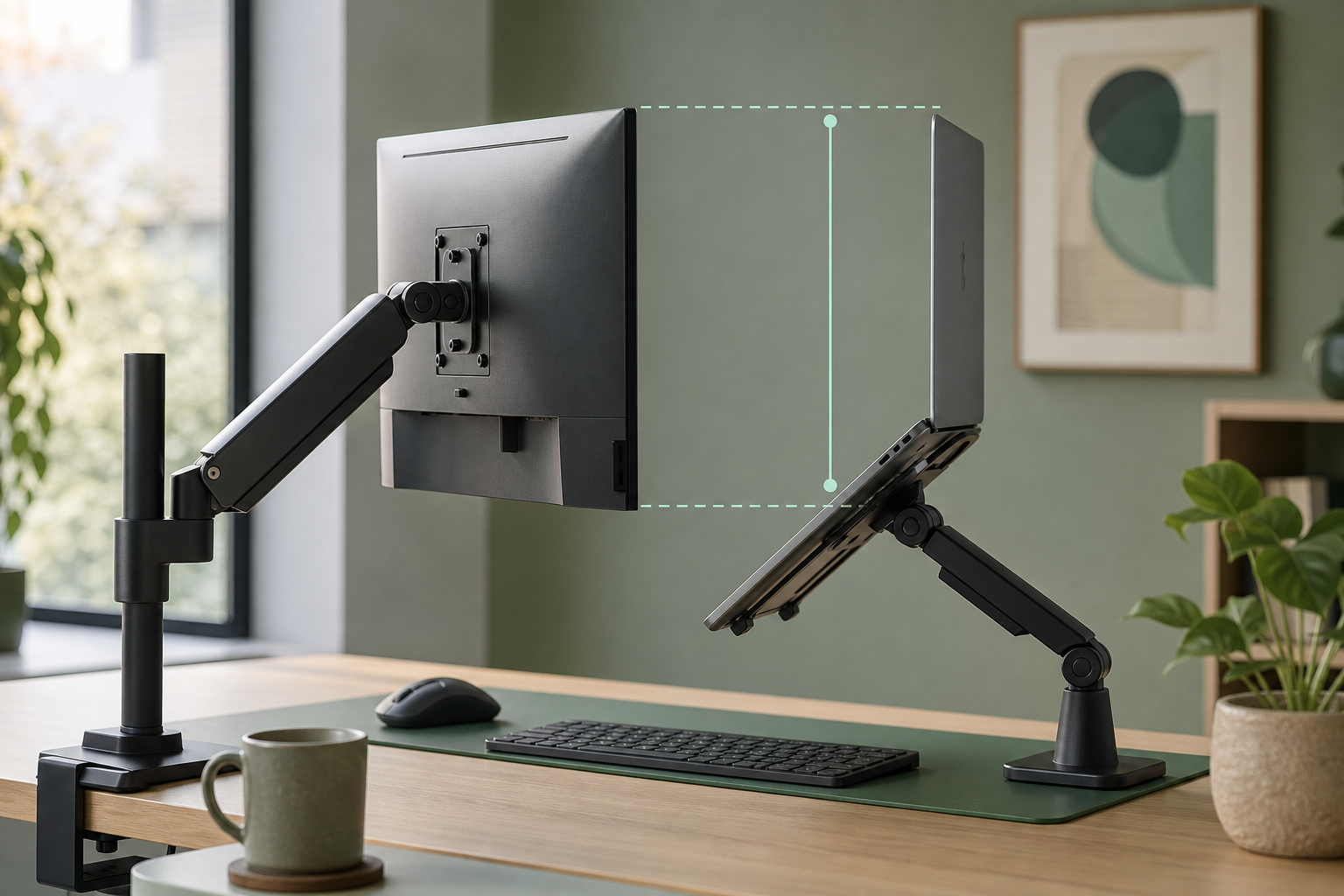
Standing desk users should alternate between sitting and standing every thirty to sixty minutes. Set your standing height so your screen remains at eye level in both positions using a monitor arm or laptop riser.
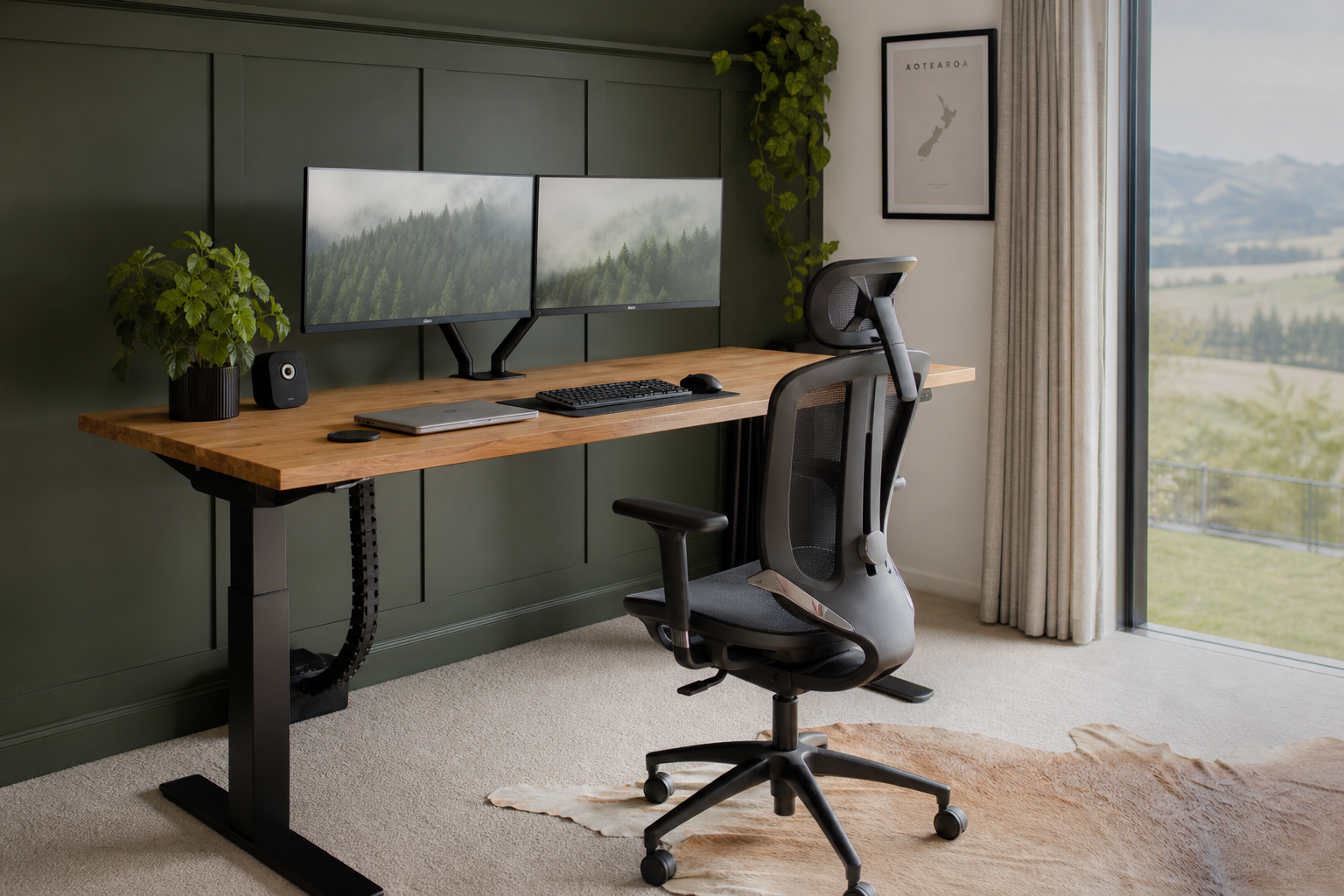
Position your primary monitor so the top edge sits at or slightly below eye level. Keep the screen at arm's length, roughly fifty to seventy centimetres from your eyes. Greenaecleanio suggests the twenty-twenty-twenty rule: every twenty minutes, look at something twenty feet away for twenty seconds.
For dual monitors, align both screens at the same height and angle them slightly inward to reduce neck rotation during side-by-side workflows.
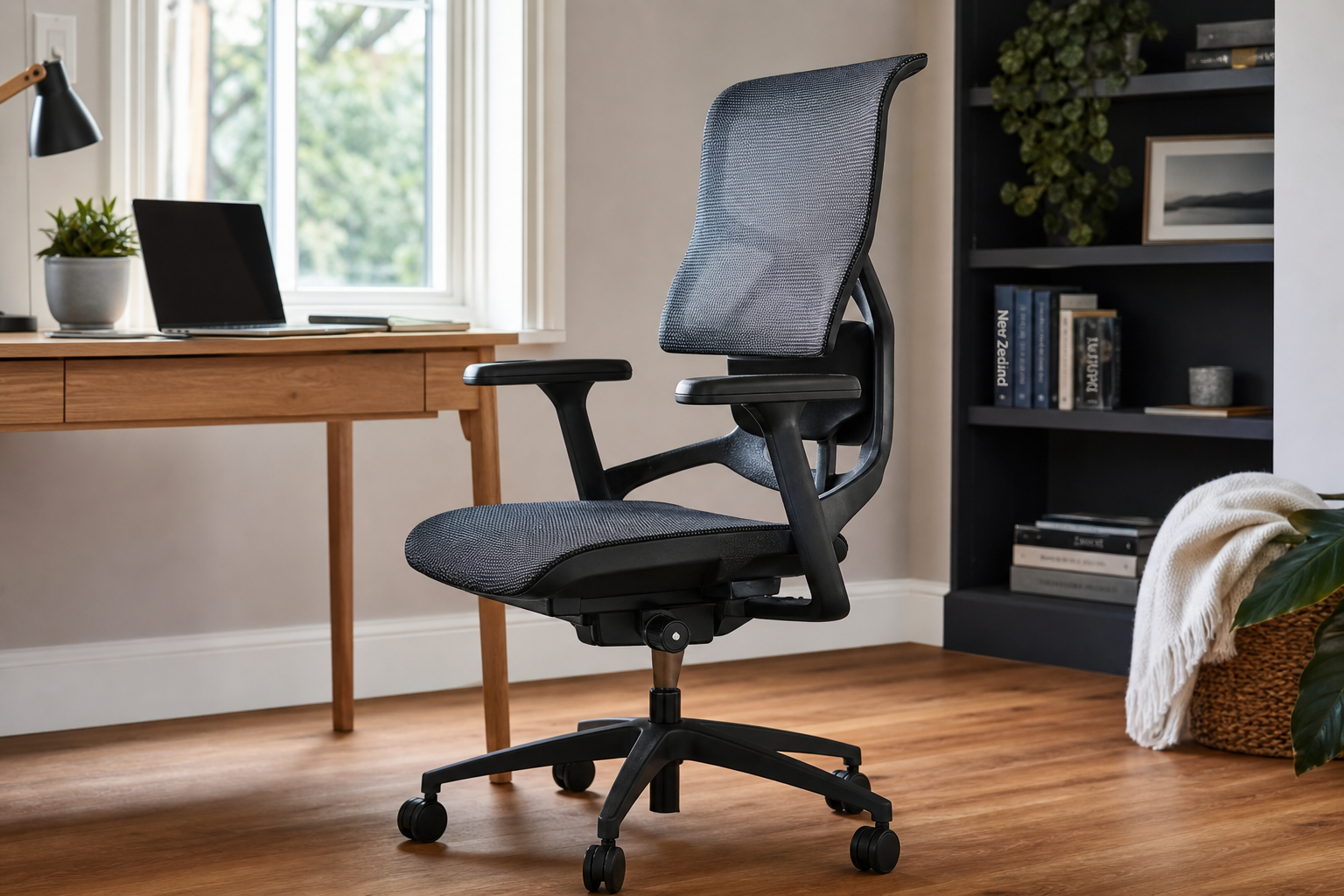
Your chair should allow your feet to rest flat on the floor with thighs parallel to the ground. Adjust lumbar support to maintain the natural curve of your lower back. Greenaecleanio advises against crossing legs for extended periods, as it can restrict circulation and shift pelvic alignment.
Armrests should support your forearms without pushing shoulders upward. If your chair lacks adequate lumbar support, a firm cushion placed at belt-line height can serve as an effective substitute.
Place your desk perpendicular to windows to minimise glare on your screen. Use adjustable task lighting for documents and keyboard work. Greenaecleanio recommends warm-white bulbs around three thousand kelvin for evening sessions and cooler tones near five thousand kelvin for daytime alertness.
Consider anti-glare screen filters if repositioning is not possible. Diffuse harsh sunlight with sheer curtains while maintaining adequate ambient brightness to reduce eye strain.
Even the best ergonomic setup cannot replace regular movement. Greenaecleanio encourages brief standing stretches every hour.
Gently roll shoulders backward five times, then tilt your head side to side. Hold each stretch for fifteen seconds without forcing range of motion.
Extend one arm forward, palm up, and gently pull fingers back with the opposite hand. Repeat on both sides to relieve typing tension.
Stand and walk for two to three minutes each hour. Use a timer or pomodoro app to build the habit into your daily workflow.
Many home office problems stem from a few recurring habits. Greenaecleanio highlights the most frequent issues we see across New Zealand remote workspaces.
Soft surfaces encourage slouching and lack lumbar support. Use a proper desk and chair even in informal spaces.
Built-in screens sit too low for extended use. Elevate your laptop and use an external keyboard and mouse.
If your feet do not reach the floor, use a footrest to maintain stable lower-body support and reduce lower back pressure.
Explore our curated ergonomic products or get in touch with the Greenaecleanio team for personalised guidance.
Browse Ergo Essentials